Back to All ArticlesDevOps & Automation
DevOps & Automation2025-05-303 Min Read1,329 views
Automating Proxmox LXC Container Management with Ansible
Automating Proxmox LXC Containers with Ansible (Step-by-Step) In this guide, I walk you through how I automated LXC container provisioning and destroying.
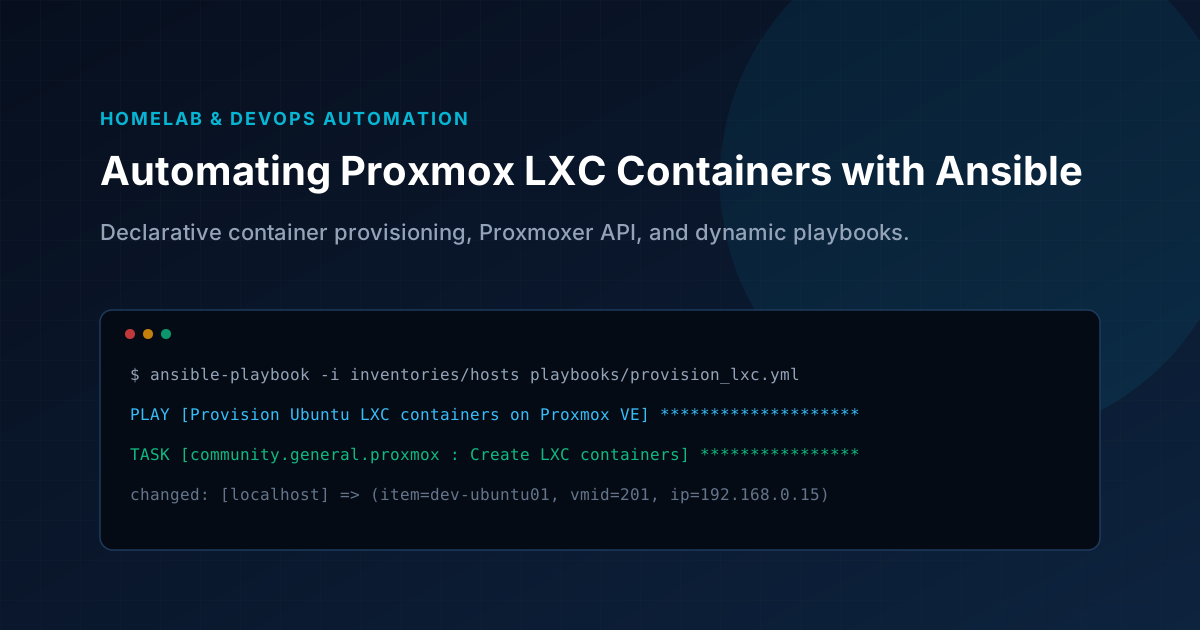
Key Architecture Takeaways
- Use dedicated Python virtual environments for Ansible with proxmoxer and requests installed.
- Target storage pools using storage instead of legacy rootfs parameters in Proxmox modules.
- Store sensitive API tokens and credentials using ansible-vault rather than plaintext.
- Work around Ubuntu netplan interface issues by pinning standard template releases.
🚀Automating Proxmox LXC Containers with Ansible (Step-by-Step)
In this guide, I walk you through how I automated LXC container provisioning and destruction on a Proxmox VE host using Ansible. This was all managed from a dedicated Ubuntu-based Ansible management node.
🛠️ Environment Setup
- Proxmox VE Host: 192.168.0.10
- Ansible Management Node: 192.168.0.11 (Ubuntu Server)
📁 Directory Structure
TEXT
/opt/ansible/
├── ansible.cfg
├── inventories/
│   └── hosts
├── group_vars/
├── host_vars/
├── roles/
├── collections/
├── playbooks/
│   ├── provision_lxc.yml
│   └── destroy-lxc.yml
```text

# 🔧 Step 1: Install Ansible & Python Dependencies in Management Node

```bash
sudo apt update
sudo apt install -y ansible python3-pip python3-venv

# Create a virtual environment for Ansible
cd /opt/ansible
sudo python3 -m venv /opt/ansible/venv
source /opt/ansible/venv/bin/activate

# Upgrade pip and install dependencies
pip install --upgrade pip
pip install proxmoxer requests
```text

# 🧩 Step 2: Install Required Ansible Collections

```bash
ansible-galaxy collection install community.general
```text

# ⚙️ Step 3: Create `ansible.cfg`

```ini
[defaults]
inventory = inventories/hosts
roles_path = roles
collections_paths = collections
library = modules
remote_user = mgmtadmin
host_key_checking = False
retry_files_enabled = False
forks = 10
ask_pass = False
```text

# 📜 Step 4: Provision LXC Containers

# `playbooks/provision_lxc.yml`

```yaml
- name: Provision Ubuntu LXC containers on Proxmox
  hosts: localhost
  gather_facts: no
  tasks:
    - name: Create LXC containers
      community.general.proxmox:
        api_user: "root@pam"
        api_password: "Yourpassword"
        api_host: "192.168.0.10"
        vmid: "{{ item.vmid }}"
        hostname: "{{ item.hostname }}"
        cores: 2
        memory: 1024
        swap: 512
        ostemplate: "local:vztmpl/ubuntu-24.04-standard_24.04-1_amd64.tar.zst"
        storage: "local-lvm"
        netif: '{"net0":"name=eth0,ip={{ item.ip }}/24,gw=192.168.0.1,bridge=vmbr0"}'
        password: "ubuntu"
        pubkey: "{{ lookup('file', lookup('env','HOME') + '/.ssh/id_rsa.pub') }}"
        state: present
      loop:
        - { hostname: "dev-ubuntu01", vmid: 201, ip: "192.168.0.15" }
        - { hostname: "dev-ubuntu02", vmid: 202, ip: "192.168.0.16" }
```text

# 🗑️ Step 5: Destroy LXC Containers

# `playbooks/destroy-lxc.yml`

```yaml
- name: Destroy LXC containers on Proxmox
  hosts: localhost
  gather_facts: no
  tasks:
    - name: Stop and remove existing containers
      community.general.proxmox:
        api_user: "root@pam"
        api_password: "yourpassword"
        api_host: "192.168.0.10"
        vmid: "{{ item.vmid }}"
        state: absent
      loop:
        - { vmid: 201 }
        - { vmid: 202 }
```text

# 🐞 Troubleshooting

# 1. `rootfs` not supported

Solved by using the correct parameter: `storage` instead of `rootfs`.

# 2. `ModuleNotFoundError: No module named 'proxmoxer'`

Resolved by creating a virtual environment and installing with:

```bash
pip install proxmoxer requests
```text

# 3. `Connection Refused` on Proxmox API

Ensure the correct IP (`192.168.0.10`) is used for Proxmox in the playbook.

# 4. LXC Container Network Issues (Ubuntu 24.10)

Ubuntu 24.10 and proxmox 8.4.1 had `netplan compatibility` issues where `eth0` wouldn't auto-start. If you face the issue then fixed by switching to Ubuntu 24.04 for LXC templates or by using ifupdown package.

# 📡 Verifying Container Access

After provisioning, verify network and SSH access:

```bash
ping 192.168.0.15
ssh ubuntu@192.168.0.15
```text

# 🛡️ Security Note

Don't hard-code passwords in your playbooks. Use `ansible-vault`:

```bash
ansible-vault create group_vars/all/secrets.yml
```text

And include:

```text
proxmox_password: "yourpassword"
```text

Then run:

```bash
ansible-playbook destroy-lxc.yml --ask-vault-pass
```text

# 🎉 Conclusion

With this setup, provisioning and destroying containers on your Proxmox VE host is as simple as running an Ansible playbook. This makes your infrastructure reproducible, version-controlled, and scalable.

**Happy automating! 🤖**
Found this architecture guide useful?Share this dispatch with your engineering team
Field Engineering Dispatches
Production Runbooks & Architecture Notes
Monthly technical dispatches covering Linux VPS hardening, strict DMARC deliverability, Next.js optimization, and cloud operations. Zero sales fluff.