Running Docker Swarm on Hetzner: Why We Choose It Over Kubernetes for Small & Medium Stacks
Why we stopped paying the Kubernetes complexity tax for medium workloads, and how to run a resilient, zero-downtime cluster on low-cost European VPS.
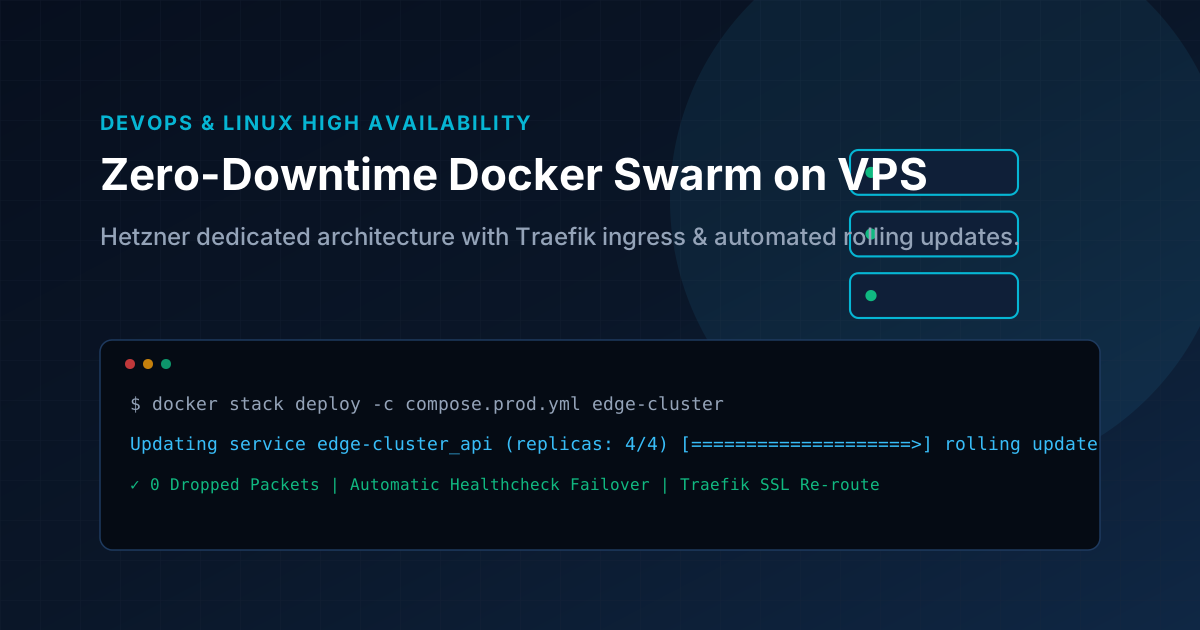
Key Architecture Takeaways
- Eliminating single-point-of-failure restarts on single-node and multi-node VPS clusters.
- Using Traefik label-based service discovery for dynamic zero-reload configuration.
- Configuring rolling updates with health checks and rollback thresholds.
- Achieving 99.99% uptime on cost-effective European dedicated hardware.
The Unspoken Cost of the Kubernetes Tax
Kubernetes is an incredible piece of software if you have 40 engineers, a dedicated platform operations team, and hundreds of microservices.
For almost everyone else, running managed Kubernetes (like EKS or GKE) is architectural overkill. Before deploying your very first customer container, you are already spending:
- €70–€150/month just for the cloud control plane fee.
- 2–4 GB of RAM per node consumed purely by
kubelet,kube-proxy, and cluster management daemons. - Countless hours debugging YAML manifests, ingress controllers, CSI storage plugins, and cert-manager crashes.
Over the past three years, we have migrated dozens of web applications and internal tools to Docker Swarm on Hetzner Cloud. Here is why it works so well, how we architect clusters, and the exact configuration we use for zero-downtime rolling deployments.
1. Why Docker Swarm Still Makes Sense in 2026
Docker Swarm is not dead—it is built directly into the Docker engine you already have installed. There is no separate binary to manage or complex certificate authority to maintain.
- Zero Memory Overhead: Swarm’s management daemon consumes roughly 40MB of RAM. On a small 4GB or 8GB VPS, 95% of the memory remains available for your actual databases and applications.
- Built-in Ingress Routing Mesh: Swarm includes native routing mesh and load balancing powered by Linux IPVS. Any incoming port published in Swarm mode automatically routes to active containers across any node in the cluster.
- Encrypted Overlay Networks: A single flag (
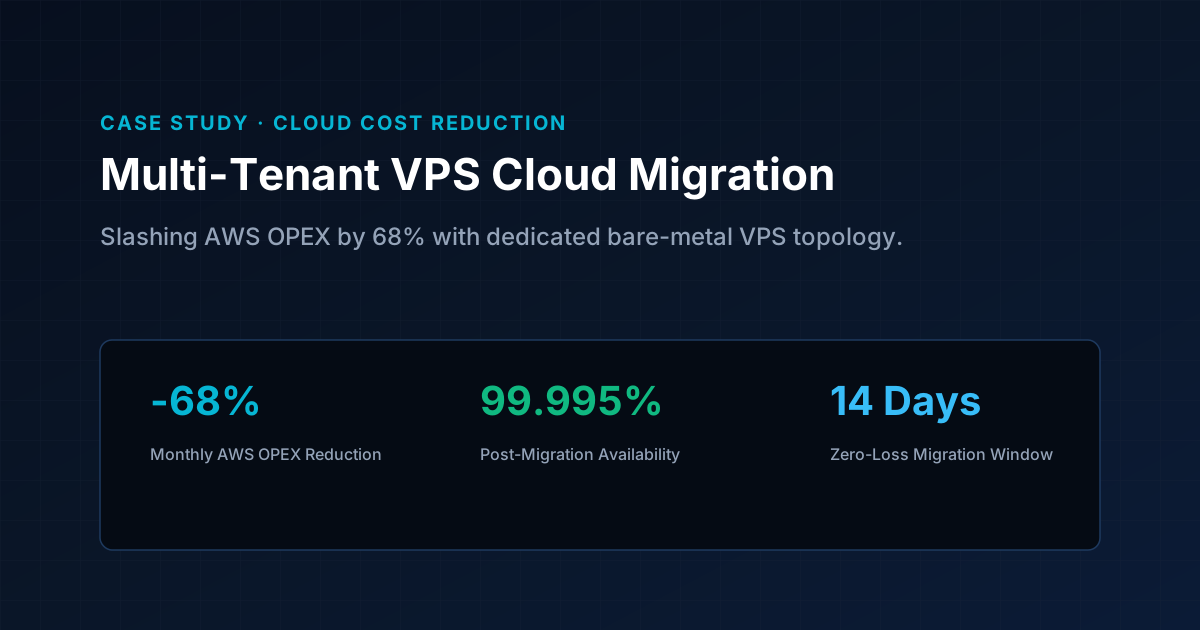
--opt encrypted) transparently encrypts all inter-node container communication using IPsec with zero manual configuration. - Predictable Hetzner Economics: Three CX32 Hetzner instances (8 vCPU, 16GB RAM each, in Falkenstein or Helsinki) cost around €36/month total. On AWS, comparable compute and networking easily surpass €250/month.
2. Ingress & Automated SSL with Traefik v3
Instead of manually maintaining Nginx configuration files and certbot cron jobs, we run Traefik as a global Swarm service on manager nodes. Traefik listens directly to the Docker socket, dynamically discovering new services through labels and issuing Let's Encrypt certificates automatically.
Here is a battle-tested traefik-stack.yml:
version: '3.8'

services:
  traefik:
    image: traefik:v3.1
    command:
      - "--providers.swarm=true"
      - "--providers.swarm.exposedbydefault=false"
      - "--entrypoints.web.address=:80"
      - "--entrypoints.websecure.address=:443"
      - "--entrypoints.web.http.redirections.entrypoint.to=websecure"
      - "--entrypoints.web.http.redirections.entrypoint.scheme=https"
      - "--certificatesresolvers.letsencrypt.acme.email=ops@legionmind.si"
      - "--certificatesresolvers.letsencrypt.acme.storage=/letsencrypt/acme.json"
      - "--certificatesresolvers.letsencrypt.acme.tlschallenge=true"
    ports:
      - target: 80
        published: 80
        mode: host
      - target: 443
        published: 443
        mode: host
    volumes:
      - /var/run/docker.sock:/var/run/docker.sock:ro
      - traefik-certificates:/letsencrypt
    networks:
      - public-traefik-net
    deploy:
      mode: global
      placement:
        constraints:
          - node.role == manager
      restart_policy:
        condition: on-failure

networks:
  public-traefik-net:
    external: true

volumes:
  traefik-certificates:
Notice mode: host on ports 80 and 443. This preserves client real IP addresses in HTTP request headers (X-Forwarded-For), which is essential for rate limiting and fraud analysis.
3. The Secret to True Zero-Downtime Rolling Deploys
By default, updating a Docker service will tear down the old container and start the new one. During that 5-to-15 second boot window, incoming user requests return 502 Bad Gateway.
To prevent this, you must configure two settings in your application stack:
update_config.order: start-first: Swarm spins up the new container first, waits for it to report healthy, and only then terminates the old container.- Explicit container healthcheck: Swarm relies on Docker healthchecks to know when the new instance is ready to receive network sockets.
services:
  web-app:
    image: myregistry.com/app:v2.4
    networks:
      - public-traefik-net
    healthcheck:
      test: ["CMD-SHELL", "curl -f http://localhost:3000/api/health || exit 1"]
      interval: 5s
      timeout: 3s
      retries: 3
      start_period: 10s
    deploy:
      replicas: 3
      update_config:
        parallelism: 1
        delay: 5s
        order: start-first
        failure_action: rollback
      rollback_config:
        parallelism: 1
        order: stop-first
      labels:
        - "traefik.enable=true"
        - "traefik.http.routers.app.rule=Host(`app.legionmind.si`)"
        - "traefik.http.routers.app.entrypoints=websecure"
        - "traefik.http.routers.app.tls.certresolver=letsencrypt"
        - "traefik.http.services.app.loadbalancer.server.port=3000"
If the new container throws an exception or fails its health check during deployment, Swarm automatically aborts the rollout and rolls back to the previous healthy tag without dropping user traffic.
4. Disaster Recovery with Offsite BorgBackups
Running your own nodes means taking responsibility for stateful volume data. We pair every Swarm manager with an automated BorgBackup cron job targeting a Hetzner Storage Box.
Borg provides deduplication, client-side encryption (AES-256), and instant snapshot verification. Even with multiple database dumps and uploaded media volumes, incremental backups take under 30 seconds and occupy negligible disk space.
If a server catches fire or a cloud datacenter experiences an outage, a complete cluster can be restored on fresh hardware using our standard playbook in less than 30 minutes.
The Bottom Line
Don't let tech-industry hype dictate your infrastructure choices. If your stack fits comfortably on 2 to 5 nodes, Docker Swarm gives you 99.99% uptime, zero-downtime deployments, and complete architectural autonomy at a fraction of the cost.
Production Runbooks & Architecture Notes
Monthly technical dispatches covering Linux VPS hardening, strict DMARC deliverability, Next.js optimization, and cloud operations. Zero sales fluff.